my opinion on Pond Linux
hello everyone, today i wanted to talk about a new distribution called Pond Linux. here's everything i have to say about it
section 1: the look and feel
Pond Linux has a very elegant and nice touch to quickshell niri. the dots is constructed good for it and it is really cool, although it is my first time using a tilting window manager so i might have some difficulties, i didn't actually expect i will get to use a tilting window manager, i always kind of hated them, but ever since i tried Pond Linux, i just got to like it.

section 2: performance
Pond Linux has really good kernel optimizations such as compilation optimizations, cpu scheduler optimizations, memory management optimizations, storage and swap optimizations.
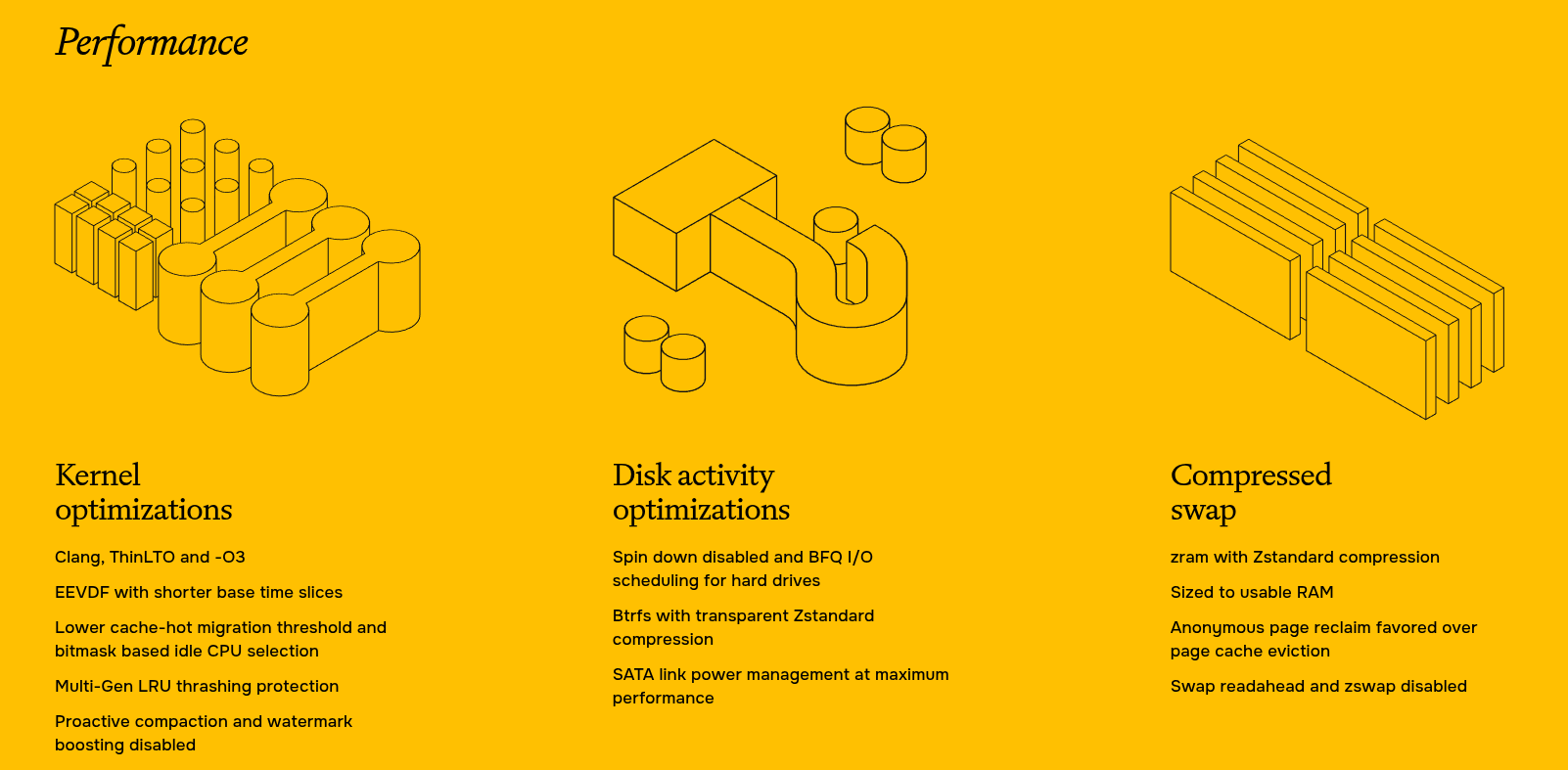
For compilation optimizations:
- clang: the kernel is compiled using llvm's clang compiler instead of gcc.

- thinlto (thin link-time optimization): allows optimization across kernel compilation units, improving code generation.

- -O3: uses the compiler's aggressive optimization level to improve generated machine code.
For cpu sheduler optimizations:
- shorter base time slices: improves responsiveness and reduces the time interactive tasks may wait for cpu time.

- lower cache-hot migration threshold: makes it easier to migrate tasks between cpus instead of keeping them on a cpu just because their data is cached there.

- bitmask-based idle cpu selection: uses bitmasks to make finding idle cpus more efficient.
For memory management optimizations:
- multi-gen lru thrashing protection: protects against excessive memory reclaim activity when the system experiences memory pressure.

- proactive compaction disabled: avoids unnecessary memory compaction in the background.

- watermark boosting disabled: avoids additional memory reclaim pressure caused by watermark boosting.
For storage and swap optimizations:
- zram with zstandard: compressed ram-based swap.

- zram sized to usable ram.

- anonymous page reclaim favored over page-cache eviction: prioritizes reclaiming anonymous memory rather than filesystem cache.

- swap readahead disabled.

- zswap disabled.

- bfq i/o scheduler for mechanical hard drives.

- sata link power management set to maximum performance.
section 3: package management and software
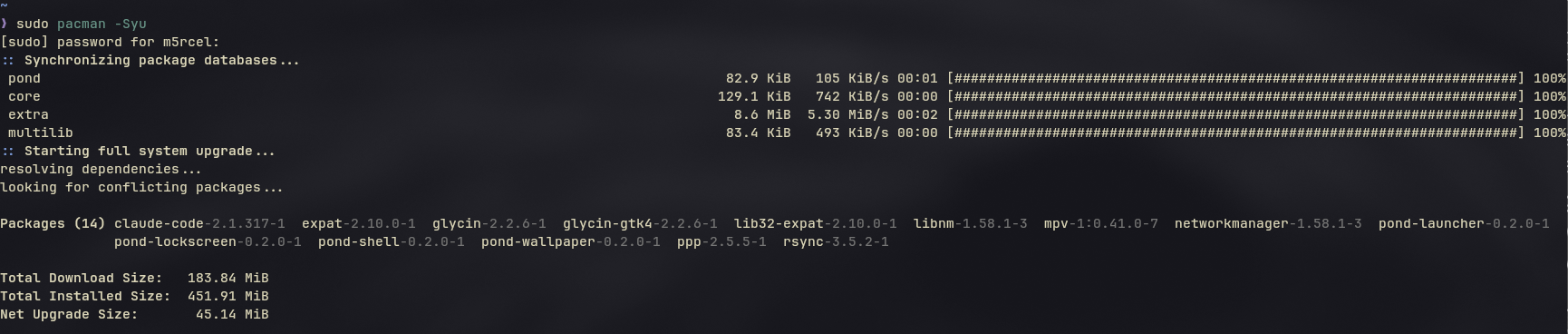
one thing i always look at when trying out a new linux distribution is its package management and software availability.
since pond linux is based on arch linux, it benefits from arch's extensive package repositories and access to a huge amount of software.
this makes installing applications and managing packages a pretty convenient experience, especially for people who are already familiar with arch-based distributions.
another thing worth mentioning is the aur (arch user repository), which provides access to even more community-maintained packages.
overall, software availability shouldn't be much of a concern, although your experience will depend on what applications you need and how comfortable you are with managing packages through the terminal.
section 4: desktop environment and customization
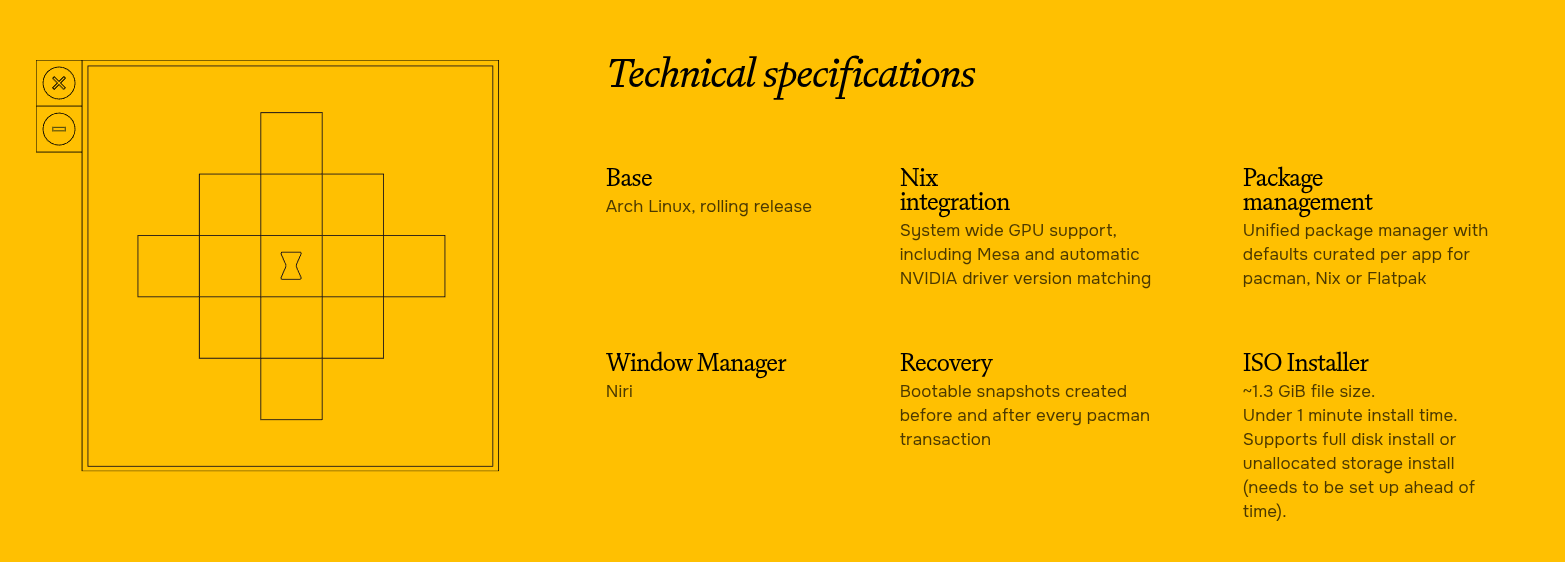
one of the things i really like about pond linux is how much effort has been put into its desktop experience.
quickshell gives the desktop a really nice appearance, and the overall design feels cohesive rather than just being a collection of unrelated widgets and configurations.
i also like how the tiling window manager works alongside the desktop components. it might take some time to get used to if you're coming from a traditional desktop environment, but once you understand the workflow, it can become quite enjoyable.
another thing i appreciate is the customization potential. being able to modify the appearance, widgets, and overall desktop behavior makes the experience feel much more personal.
i think pond linux does a pretty good job of showing how customizable and visually appealing a linux desktop can be without sacrificing functionality.
final results
Pond Linux is a beautiful distribution and it is really worth trying out.